AirCursor
A hands-free, webcam-based eye-tracking mouse that turns gaze and head pose into real-time cursor control and clicking, with no dedicated hardware.
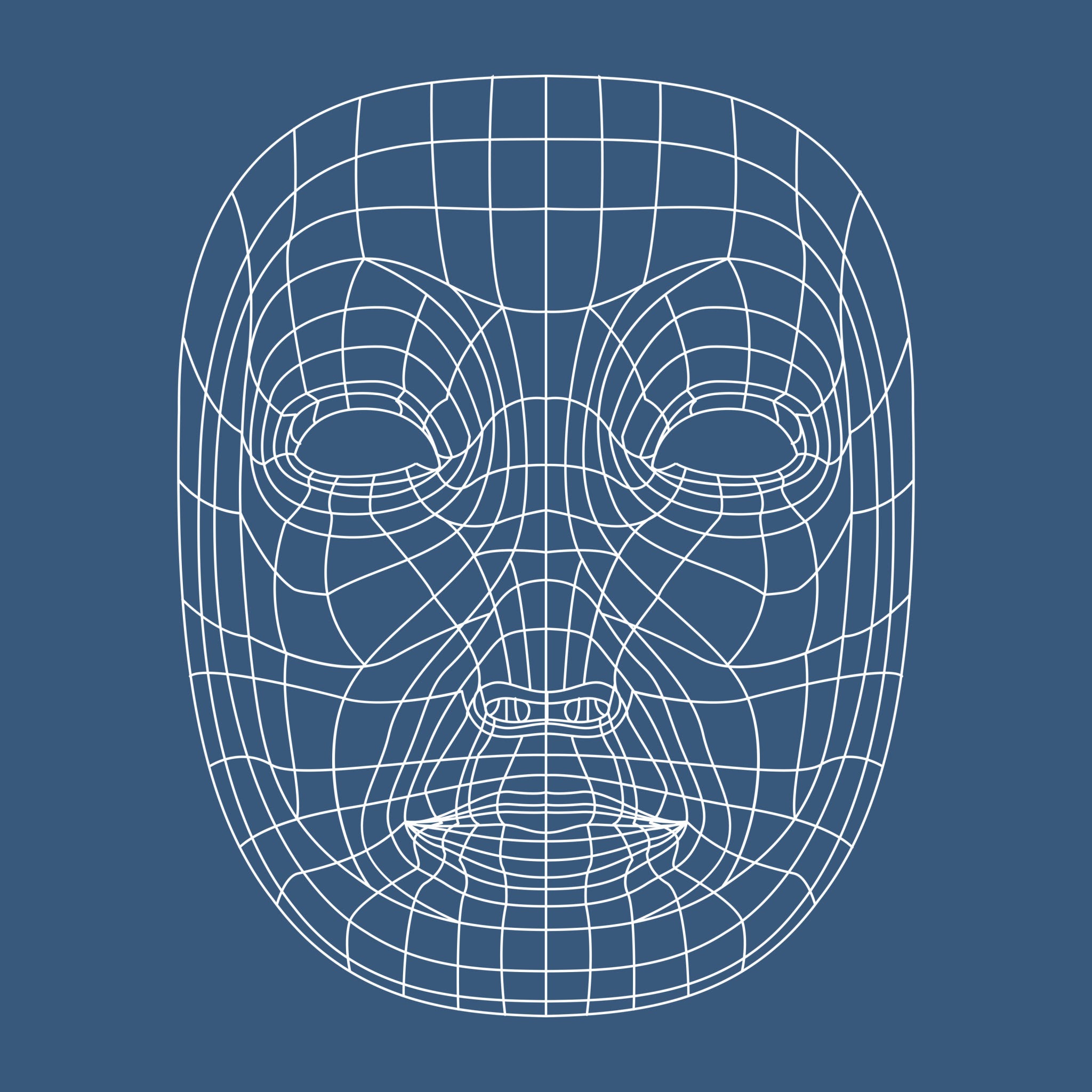
-
~30 FPS
Real-time pipeline throughput
-
468
Facial landmarks tracked
-
1.5°–2.0°
Gaze tracking accuracy
-
1.0s
Dwell-click threshold
An accessibility and hands-free control application that tracks a user’s eye gaze and head posture through an off-the-shelf 2D RGB webcam, translating those movements into smooth, real-time OS cursor control and automated clicking — no infrared hardware required.
A five-stage pipeline at 30 FPS
Each frame moves through a computational pipeline that turns raw pixels into a cursor position:
2D RGB Webcam Frame
        ↓
MediaPipe Face Mesh + Iris Model
  → 468 3D facial landmarks + 10 iris landmark points
        ↓
Dual-Vector Pose & Gaze Computation
  → Head pose (OpenCV solvePnP): pitch, yaw, roll
  → Iris position: horizontal/vertical ratio within eyelid bounds
        ↓
Stabilization & Math Layer
  → Head-pose compensation: subtracts head rotation from raw iris displacement
  → Acceleration curves: dynamic gain to reach screen edges easily
  → 1€ (One-Euro) filter: adaptive low-pass filtering that removes jitter
  → Deadzone threshold: filters out micro-saccades below 3 pixels
        ↓
Action Dispatcher
  → Cursor movement (PyAutoGUI): maps the calibrated range to screen resolution
  → Action triggering: dwell-time hovering or deliberate blink detection (EAR)
Disambiguating gaze from head movement
Regular webcams only see flat 2D pixels, so MediaPipe infers a relative 3D mesh by fitting a pre-trained canonical skull model onto the detected face — Z = 0 sits on the virtual plane between the ears, with the nose tip pointing into negative Z.
That depth matters because, without it, turning your head while staring at the same point on screen looks identical to a 2D tracker as an actual gaze shift. Combining head angles from solvePnP with the relative iris ratio cancels that out:
True gaze = Iris angle − Head rotation
Filtering jitter without adding lag
A 1€ (One-Euro) filter — a lightweight, speed-based adaptive low-pass filter — does the stabilization: at low speeds, such as reading or focusing, it heavily smooths camera noise and biological tremor; at high speeds, such as a deliberate saccade, it drops the smoothing so the cursor doesn’t lag behind the eye.
Calibration and the Midas touch
Calibration runs in two steps: a 1-point baseline captures a 2-second snapshot of resting head posture and iris center to compute dynamic deltas, with a spacebar hotkey for instant recentering when the user shifts posture; a 5-point matrix then maps the screen’s extreme corners to account for non-linear eye motion and individual eye geometry.
The harder problem is the “Midas touch” — every gaze lands somewhere, so not every gaze should click. Dwell clicking fixes that by requiring the cursor to stay within a 30-pixel zone for 1 second before it fires, while blink detection (Eye Aspect Ratio) filters out subconscious blinks (~150ms) and only triggers a click on a deliberate closure past 300ms.
Tech stack
| Component | Library / tool | Role |
|---|---|---|
| Runtime | Python 3.10+ | Core language environment |
| Computer vision | opencv-python (cv2) | Frame ingestion, transforms, solvePnP head-pose solver |
| Facial & iris AI | MediaPipe | Face Mesh with refine_landmarks=True for 468 face points + 10 iris points |
| Signal processing | One-Euro filter | Adaptive filtering that removes jitter without adding latency |
| Numerical math | NumPy | Vector math, landmark normalization, clipping |
| OS automation | PyAutoGUI | Cursor positioning and click execution |
Hardware limits, honestly
Without active infrared corneal-glint illumination, RGB webcam tracking tops out around 1.5°–2.0° of visual angle — roughly a 30–50 pixel margin of error, against under 0.5° for dedicated hardware like Tobii. Variable lighting, low-light frame drops and eyeglass reflections all degrade tracking further, so the system disables control whenever detection confidence drops below 0.5. In practice, that means interactive targets need to be sized above 40px to comfortably sit within the precision ceiling of optical tracking on consumer hardware.